Sync unique Shopify discount codes to Klaviyo
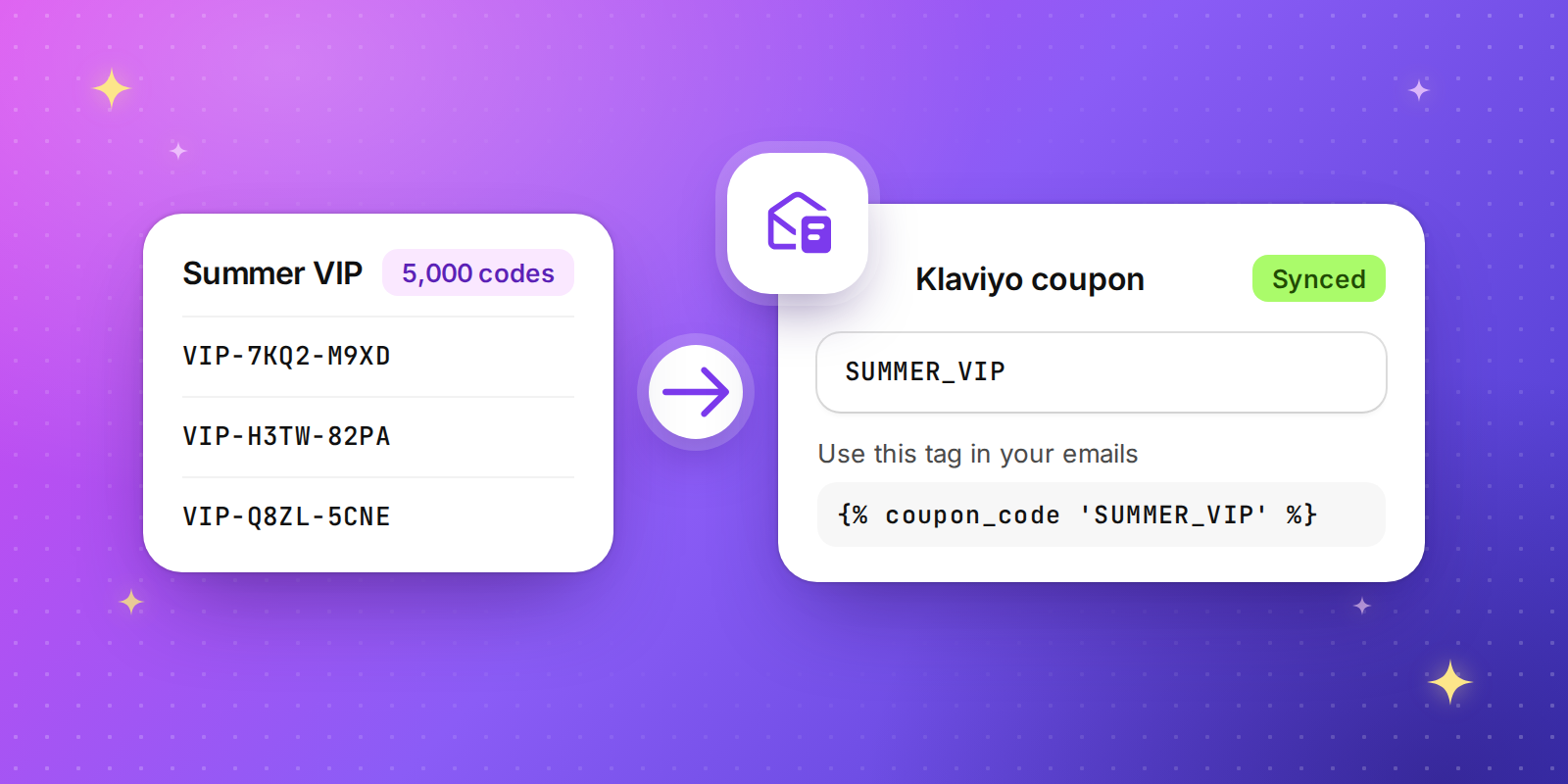
Discount Magic now connects to Klaviyo. Send a batch of unique discount codes to a Klaviyo coupon in a few clicks, and every customer on your list gets their own one-time code in your emails and flows.
How it works
Go to Settings > Integrations > Klaviyo and click Connect.
Open any code batch and choose Sync to Klaviyo.
Pick one of your Klaviyo coupons or create a new one.
Copy the coupon tag from Discount Magic and add it to your Klaviyo email, for example
{% coupon_code 'SUMMER_VIP' %}.
Stays in sync on its own
Topped up for you. Add codes to a synced batch and they go straight to Klaviyo, so your flows never run dry.
Cleaned up for you. Delete codes, a batch or a discount, in Discount Magic or in Shopify, and the unused codes are removed from Klaviyo too.
Safe when you pause a discount. Deactivate a discount and you can pull its unused codes from Klaviyo in one click, so nobody is sent a code that won't work.
Expiry dates included. Each code carries the discount's end date into Klaviyo.
Built for the way you work
Connect more than one Klaviyo account, such as a test account and your live one.
Send one batch to several coupons, in the same account or across accounts.
Keep working while codes sync. Progress shows in the background tasks panel.
Available for stores on the Pro plan at no extra cost.